
This is a list of software I love using in my Macintosh SE/30.
# The Specs
* 32MB of RAM * A 030 accelerator at 47mhz * A network card * A ZuluSCSI instead of a hard drive
This makes the computer *slightly* snappier for some of the choices mentioned here.
# Suitcase 3.0
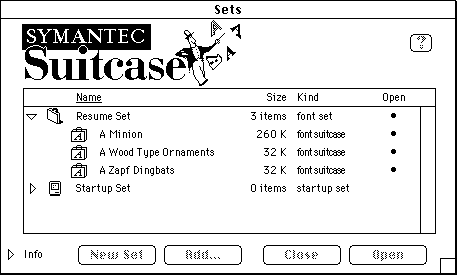
Suitcase 3
I use Symantec's font management app  to toggle fonts on and off. I like playing with a lot of different fonts, and this is easier than fiddling with the system folder and helps me keep startup time reasonable.
# Quark XPress 3.3
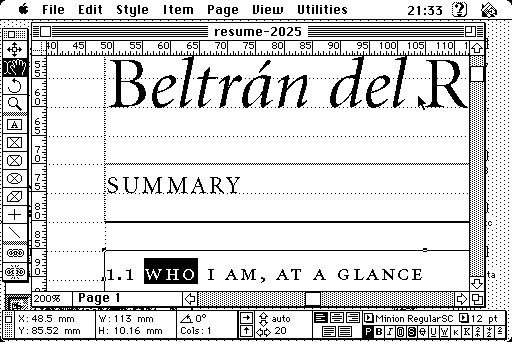
QuarkXPress 3.3 with a document open.
I authored my current Resume using Quark XPress 3.3 , it's a really solid desktop publishing app. The writing experience is clunkier than using a word processor, but it's excellent for layout.
# Acrobat PDF Writer
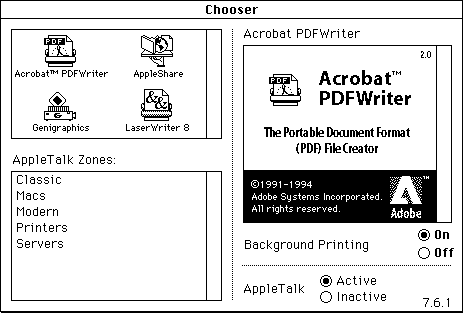
Acrobat™ PDFWriter on the Chooser
A virtual printer that lets you print to PDF. It's included with Adobe Acrobat , but it's the best part of the bundle: the 030 does not do well reading modern multi-megabyte PDFs.
There's also Print2PDF, but I prefer the output of this extension to print text.
# SuperPaint 2.0
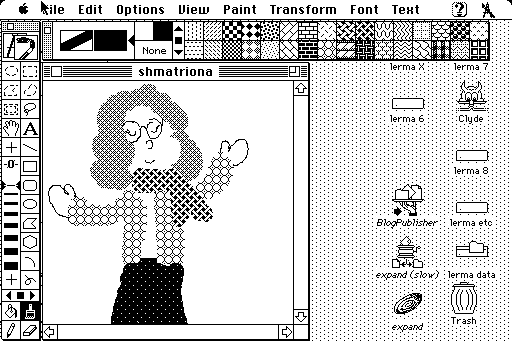
SuperPaint showing the palette picker
SuperPaint is a simple paint program. It works well with my Wacom ArtPad II, and it has a good assortment of 1-bitpatterns to paint with.
# Practica Musica 2.34
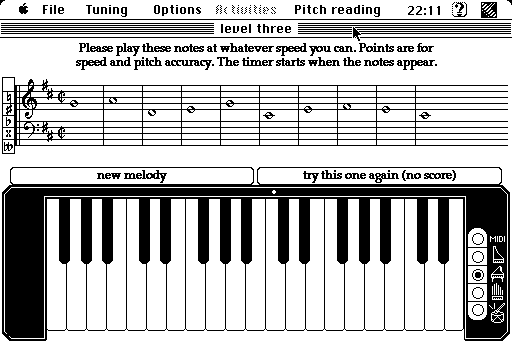
Practica Musica showing the pitch reading activity.
I'm not good at sight reading music, but Practica Musica has excercises I can practice with, including pitch identification and scales. I don't have a MIDI controller compatible with the mac yet, but works as well with the mouse.
# Adobe Photoshop 2.5.1
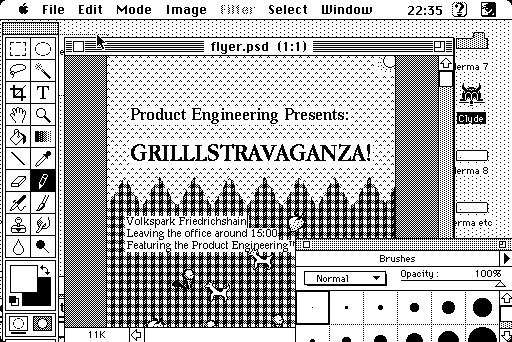
Photoshop 2, already familiar
While the most advanced features of Photoshop aren't that great with a monochrome monitor, it's still a better graphical tool to deal with type than some of the other paint programs.
Now that I have the accelerator I'm considering Photoshop 3.0, because layers are a must-have feature.
## BBEdit 4.5
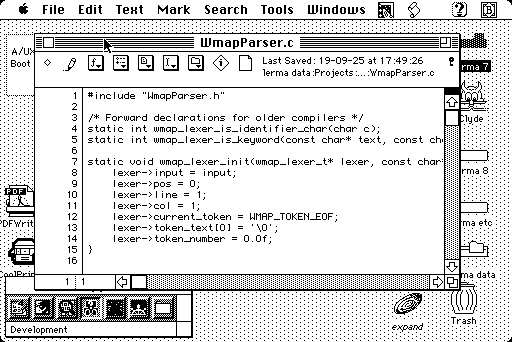
BBEdit showing a C file. Right next to the Window menu item is the Think C menu.
A great code editor . It handles unix and macintosh line endings seamlessly, and I can trigger THINK C commands and reference directly from the editor.
I only upgraded from BBEdit 2.1.3 when I got the accelerator, I found 3+ slightly laggy without it.